
I’m always looking for ways to make my workflow faster, more consistent and, ideally, a little less frustrating. After more than 30 years of photography, I’ve learned that the difference between a good tool and a great tool isn’t necessarily how many features it has. It’s how naturally it fits into the way I actually work.
That’s why TourBox has become a permanent fixture on my desk.
I originally discovered TourBox while looking for a better way to edit video. I wanted a physical rotary control that would let me move through video frame by frame without constantly grabbing the mouse and dragging a tiny slider around the screen. Anyone who has tried to make a precise edit with a mouse knows the experience: you get close, overshoot, move back, overshoot again … and suddenly you’re wondering if videography was really the path you chose.
TourBox solved that problem, but I quickly discovered that video editing was only the beginning.
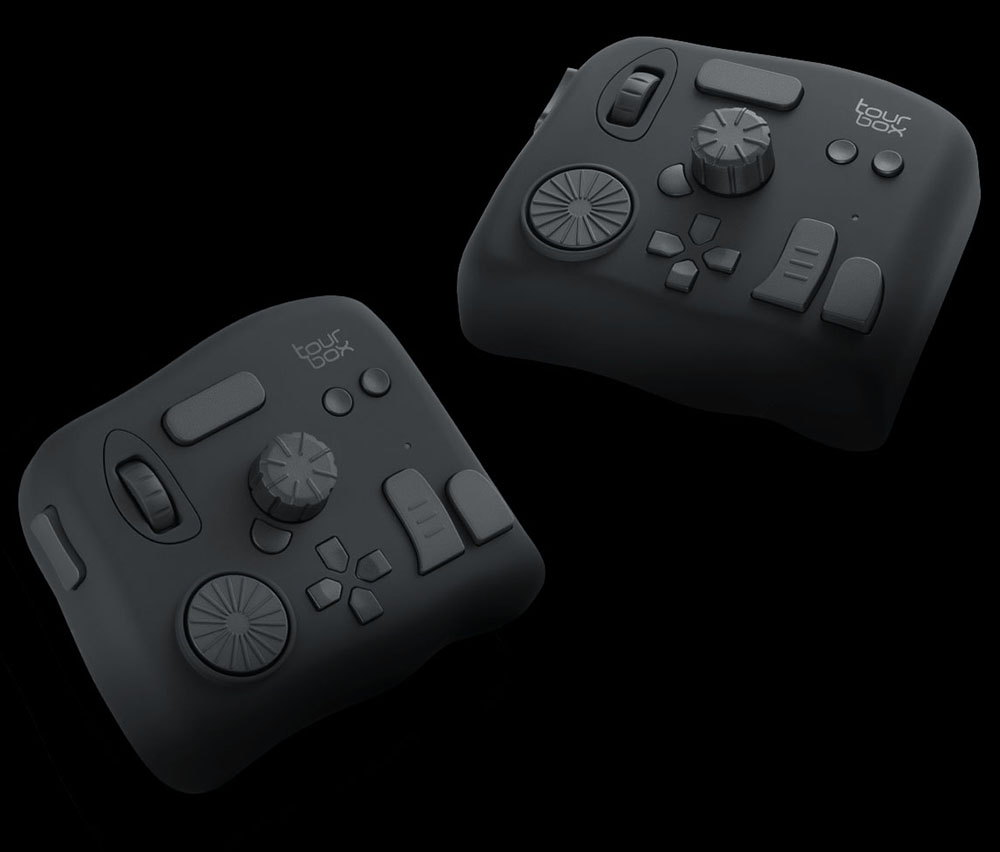
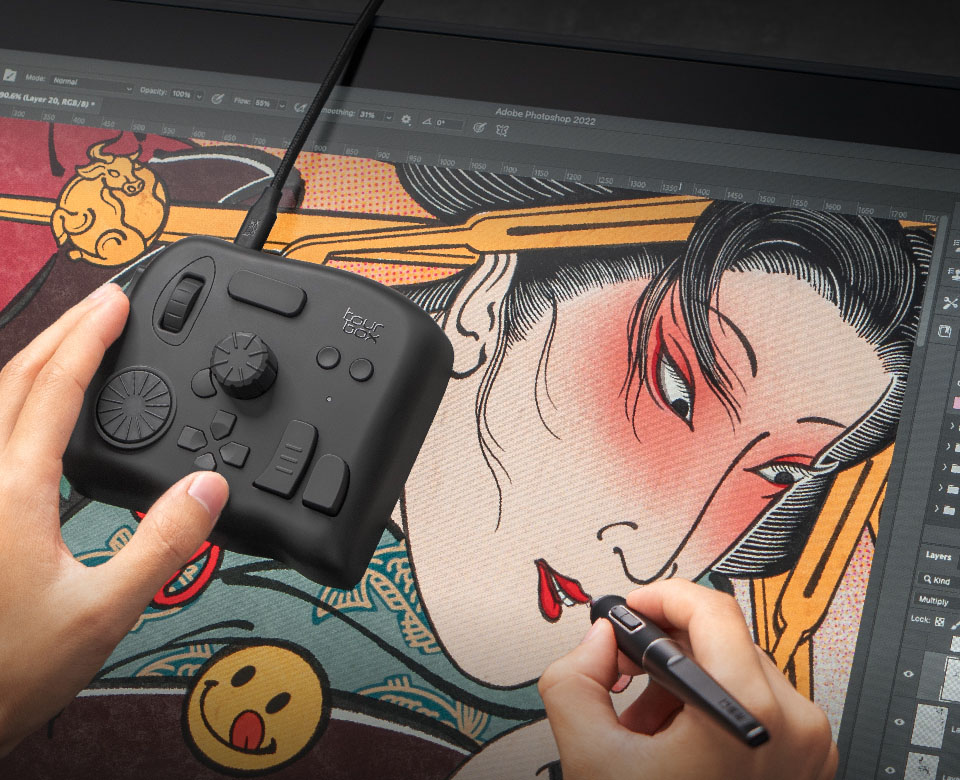
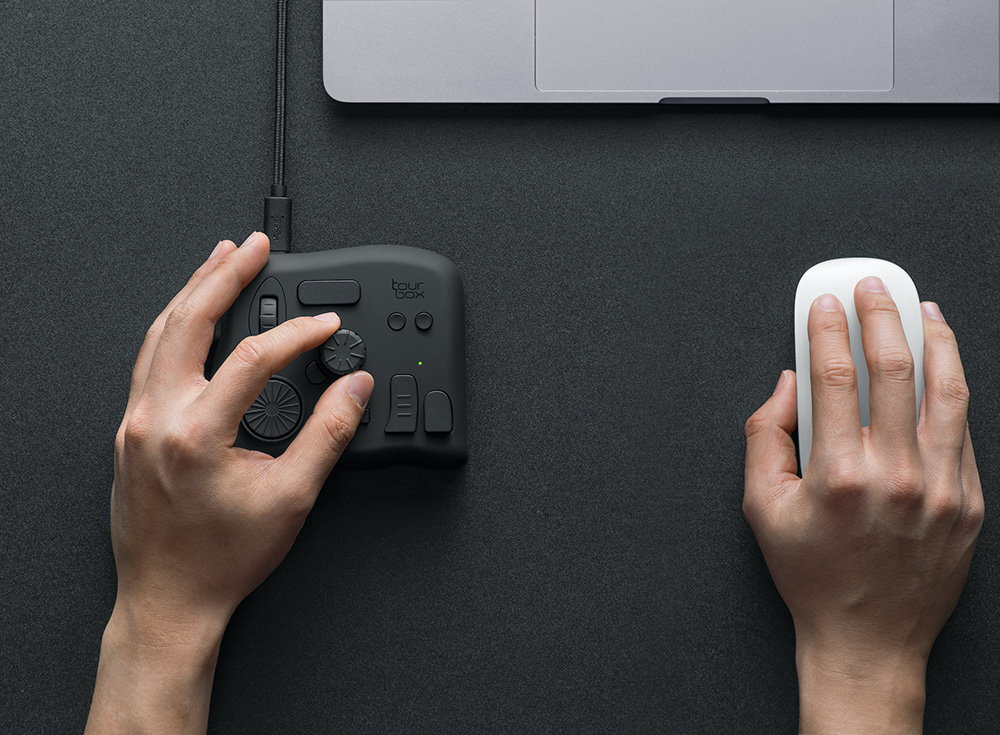
The NEO gives me a collection of buttons, dials and a rotary knob that I can customize to control the software I’m using. The hardware is compact, solid and comfortable … I use it with my left hand while my right hand stays on my mouse or Wacom tablet pen. It’s a surprisingly natural arrangement.
But the feature that really sold me on TourBox is customization.
©tourbox
One controller, my way
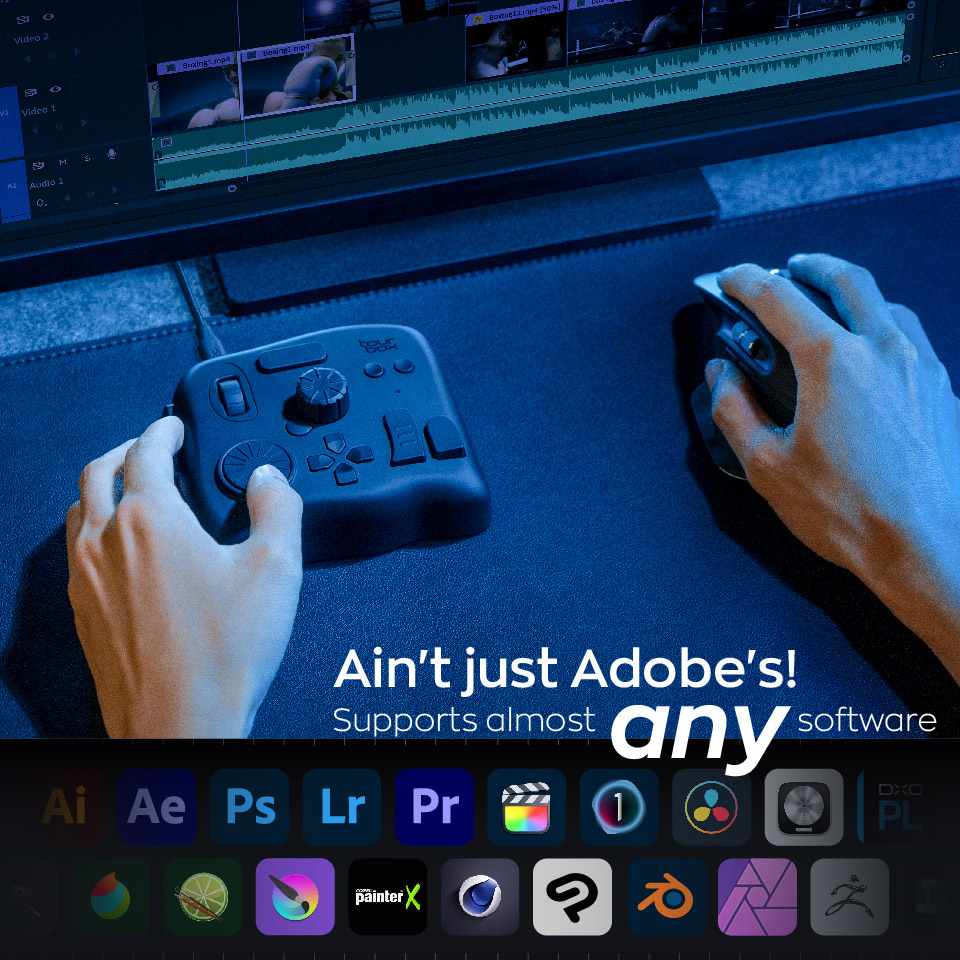
I work in a lot of different software. Photoshop, Lightroom, Illustrator, InDesign, Premiere Pro, Capture One, Topaz and various other programs all have their own ideas about how I should work.
The problem is that they don’t always agree.
Adobe applications share many keyboard shortcuts but Capture One and other programs can use completely different shortcuts for similar functions. That means I could either memorize a collection of different keyboard combinations or spend my day looking at menus.
I chose a third option: I made TourBox do the remembering for me.
I’ve customized my TourBox presets so that the same physical controls perform the same functions across different programs whenever possible. If I want to adjust something, I know which dial to reach for. If I want to change a tool, I know which button to press. It doesn’t matter whether the software underneath is Photoshop, Lightroom, Premiere Pro or Capture One.
That consistency is a bigger deal than it might sound.
Once you develop muscle memory, you stop thinking about the mechanics of editing and start thinking about the image. I don’t have to remember that one program uses one shortcut while another uses something completely different. My hand knows what to do.
TourBox also lets me create macros and assign multiple commands to a single control, which can turn repetitive operations into one-button actions. It can even automatically switch presets depending on which program I’m using.
That’s the kind of automation I appreciate: the computer does the remembering and I get to do the creating.
It has become part of my photography workflow
I’ve used TourBox for everything from everyday editing to more specialized projects. When I was working on images of Christmas lights, for example, I used TourBox to make fine adjustments in Lightroom while working through a nine-frame HDR composite. Instead of trying to manipulate sliders precisely with a mouse, I could use the physical controls and make small, repeatable adjustments.
That tactile control makes a difference.
There’s something satisfying about turning a dial and watching an adjustment happen incrementally. It feels much more like operating photographic equipment than operating a spreadsheet.
And that matters because photography has always been physical for me. I like turning aperture rings, adjusting light modifiers, moving a camera, changing the position of a reflector and physically shaping light. TourBox brings some of that tactile experience into the digital darkroom.
©tourbox
Consistency is the Real Productivity Boost
People often talk about productivity in terms of doing things faster. For me, it’s not just faster but more about doing things consistently.
If I’m editing hundreds or thousands of images, saving a second or two on an individual adjustment isn’t particularly exciting. But eliminating the little moments of hesitation adds up.
Where is that command again? What was the shortcut in this program? Which slider am I supposed to grab? Did I just move the wrong one?
Those interruptions may only take a few seconds, but they break concentration. TourBox removes a lot of those little speed bumps.
The other advantage is that I can customize it around my workflow rather than changing my workflow to accommodate the hardware. I’ve even created configurations for programs that have nothing to do with photography. TourBox can work with virtually any application … I’ve used it with Illustrator and InDesign as well as for things like web browsing, email and other everyday computer tasks.
At the 2025 Canadian Imaging Conference in Ottawa, I was also demonstrating TourBox alongside the other imaging products I work with. It’s one of those pieces of gear that tends to attract people because, at first glance, it looks like a strange little collection of knobs and buttons. Then someone puts their hand on it and starts using it – and suddenly the light goes on.
©tourbox
Why I still use it
I’ve been using my TourBox NEO for years now and that’s probably the best endorsement I can give it.
Photography has no shortage of gadgets that promise to revolutionize your workflow. Some do. Others end up in a drawer beside the collection of transmitters and speedlight add-ons I’m absolutely certain I may or may not need someday.
TourBox didn’t end up in the drawer.
It stays on my desk because it has become part of the way I work. I can customize the controls, create different presets for different applications and, most importantly, keep the commands I use most often consistent from one piece of software to another.
For me, that’s the real benefit. TourBox doesn’t replace my keyboard, mouse or Wacom tablet. It works alongside them and gives me another set of controls that are always right where I expect them to be.
After thousands of images, countless edits and more software updates than I care to remember, I’ve learned that the best tools are the ones that eventually disappear from your conscious thought.
That’s TourBox for me.
My hand reaches for the control. I make the adjustment. I keep working.
And I don’t have to remember which software decided to put the shortcut somewhere else this week.
TourBox NEO is on special at the Amplis store!
Discussed Item
Author: Will Prentice
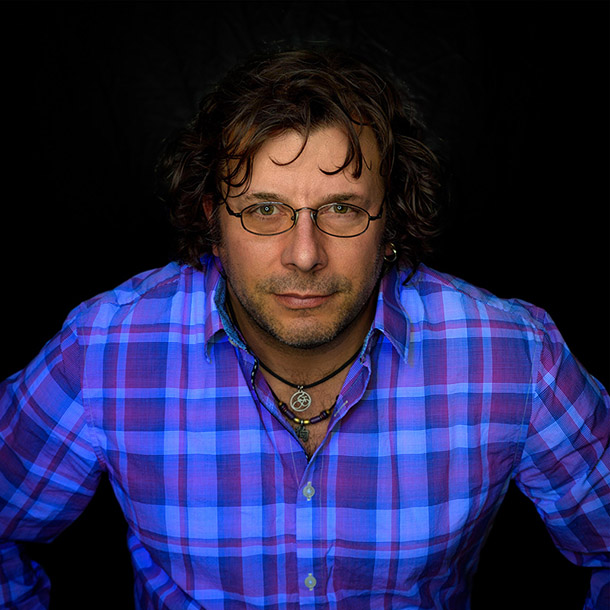
A portrait, fine art and commercial photographer for 30 plus years, Will Prentice is not just a contributor to PHOTONews magazine, but also host of PHOTONewsTV, owner of Captura Photography+Imaging and Technical Support/Brand Manager for Amplis Foto, Canada’s largest distributor of photographic equipment.
Will teaches photographers of all skill levels how to improve their craft – from creative photo projects to picking the right gear for their needs to flattering lighting to getting the best expressions to creating final images for screen and print. His unique style of highly detailed images with perfect tonality, wide dynamic range and stunning colour is instantly recognizable. Commercial clients rely on Will’s creative eye and mastery of lighting.
When he’s not behind the camera or in front of a class, you’ll find Will outdoors in any weather – usually on one of his bikes or enjoying time with his grandchildren.